DJ gear
Best beginner DJ setup
Build a beginner DJ setup for a laptop, standalone player or vinyl. See compatible decks, headphones, speakers, software and cables for each kit.
Three setups that work together
| Where you play | What to buy together | Playback and headphone cue |
|---|---|---|
| At a desk with a laptop | DDJ-FLX4, HDJ-CUE1, optional DM-40D | rekordbox or Serato DJ Lite on the laptop. Cue at the FLX4’s 3.5 mm jack. |
| Away from a laptop | Mixstream Pro Go, HDJ-CUE1, USB drive | Engine DJ on the unit. Cue at its 3.5 mm or 6.35 mm jack. |
| With vinyl records | Two PLX-500s, DJM-250MK2, HDJ-CUE1, optional DM-40D | One record on each deck. Cue at the mixer’s 6.35 mm jack with the headphone adapter. |
Start with the source you plan to use. If you share walls or practise late, all three rigs let you put off buying speakers and listen on headphones.
The desk setup I’d start with
I’ve used the DDJ-FLX4, and it’s the one I’d hand someone starting out. The controls are easy to find, the master output is standard stereo RCA and there are two software paths you can start with without a paid upgrade. Choose rekordbox if you’re likely to prepare USBs for a Pioneer DJ or AlphaTheta booth. Choose Serato DJ Lite if your plans revolve around a laptop and you prefer its library. The beginner controller guide covers the smaller FLX2 and the battle-layout alternatives.
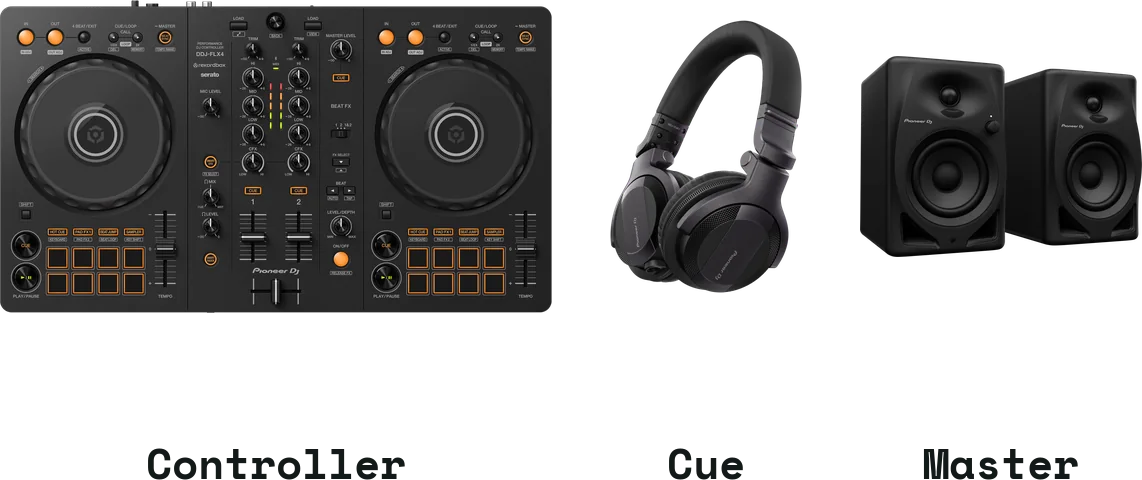
Connect a USB-C laptop to the FLX4’s device port with the supplied cable. If the laptop only has USB-A, get a USB-A to USB-C data cable no longer than three metres. Use the second USB-C port for external power if the device you connect cannot power the FLX4. Plug the 32-ohm HDJ-CUE1 into the controller’s 3.5 mm headphone jack. With speakers off, use the headphone cue and master monitoring controls to hear both tracks privately.
For speakers, the wired DM-40D pair uses one powered left speaker and a supplied lead from it to the right speaker. Connect the FLX4 master RCA outputs to the left speaker. A stereo RCA-to-RCA lead works, or use the monitor set’s supplied 3.5 mm-to-dual-RCA lead with its 3.5 mm end in the speakers’ input. Keep the headphones connected to the controller so the cue stays separate from the speakers.
Compare monitors for a DJ desk if you need another input type or want to use a separate powered speaker on each side.
The setup with no laptop at the decks
The Mixstream Pro Go runs Engine DJ itself, with a rechargeable battery and built-in speakers. Add a USB drive with local tracks and the same wired headphones. The headphones handle cueing and the built-in speakers let you hear the master close to the unit. Connect the RCA master to DM-40Ds at home. For a larger room, take the balanced XLR master into a suitable powered PA.
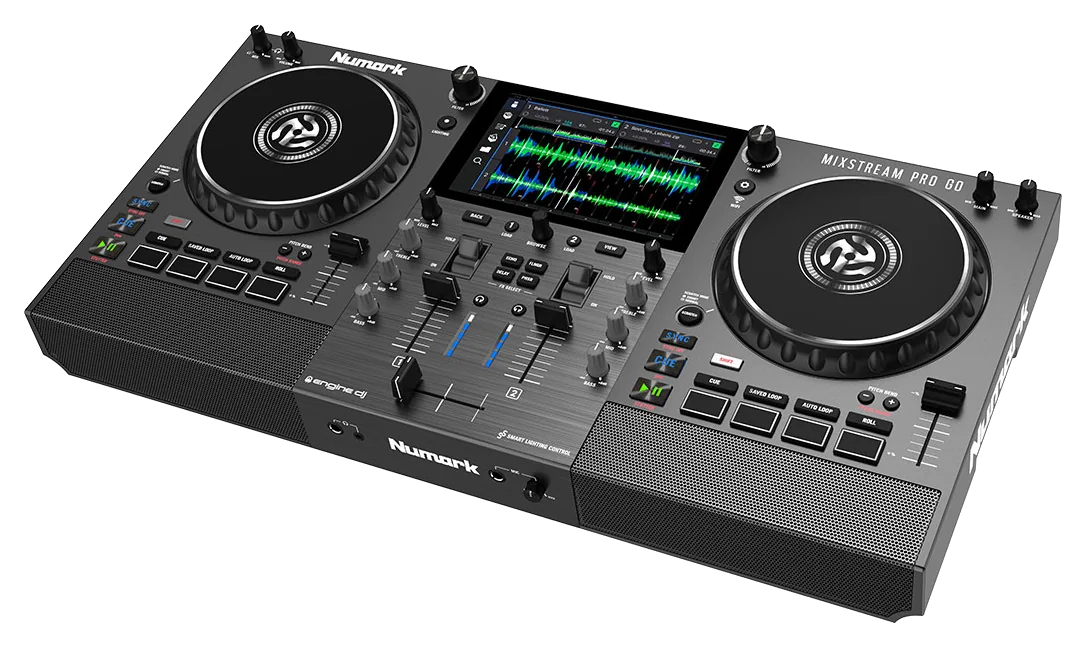
You can browse local files from compatible USB media, or use Engine DJ Desktop to prepare a library before you leave home. A prepared rekordbox library for a CDJ booth is a separate decision. Your Mixstream and the venue’s player need supported library formats. Local files on a tested drive also give you a way to play when the Wi-Fi drops.
The setup for mixing records
Buy a pair of Pioneer DJ PLX-500s and a DJM-250MK2. Each deck includes a cartridge, stylus and headshell. Set both decks to PHONO and run each deck’s stereo RCA lead into its own PHONO channel on the mixer. Allow for three mains connections for the two decks and mixer. Connect the HDJ-CUE1 using its supplied larger plug adapter. If you add DM-40Ds, take the mixer’s second master output by RCA to the powered speaker. The mixer’s balanced XLR master is useful if you later move to suitable powered PA speakers.
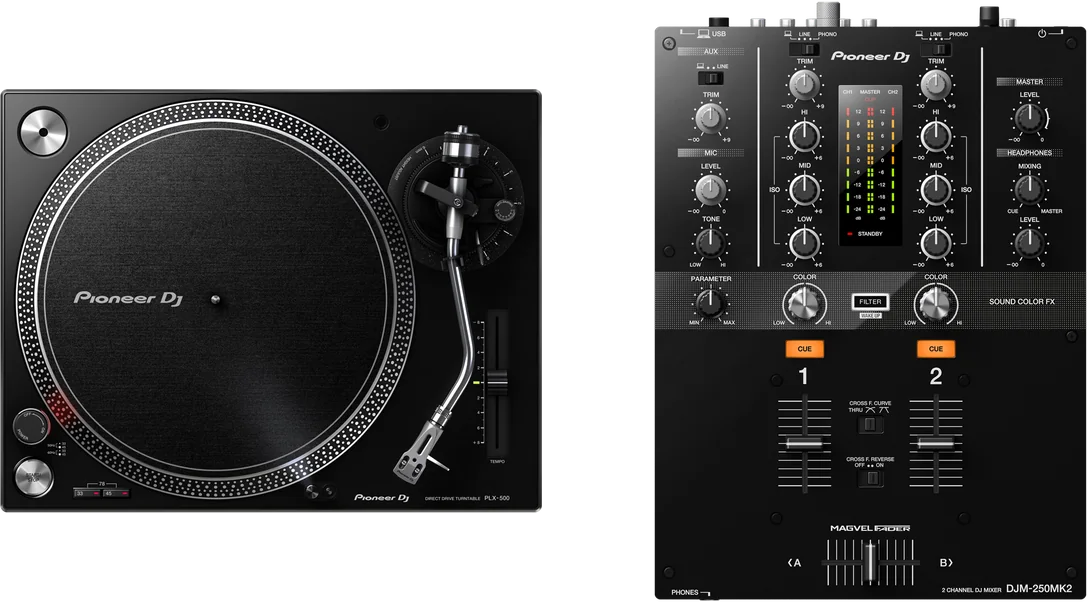
If you’re looking at a used deck, ask whether its headshell and cartridge are included and whether the stylus needs replacing. Price two sets of parts if the decks come without them. The DJ turntable guide covers other direct-drive decks, and the DJ setup cost guide compares the hardware bills.
Check these connections before you order
- Laptop and software. Look up your installed operating system and the supported app version for your exact controller. Buy a data cable to match the laptop port.
- Headphone cue. Match the socket to your wired headphone plug and keep any supplied 6.35 mm adapter in the bag.
- Speakers. Check the signal output and the speaker’s analogue input. A passive pair needs an amp. An active pair such as the DM-40D connects directly.
- Music. Set aside local files or records. Use a tested USB drive when taking a standalone unit somewhere unfamiliar.
If your current computer lacks a supported operating system or the right ports, see the DJ laptop guide before choosing a replacement.
For wireless cueing, compare DJ headphones and their transmitters against the actual headphone output on your rig.
FAQ
Do I need a separate mixer with a DJ controller?
The DDJ-FLX4 already has mixer controls for two decks in its software. Buy a separate mixer for the vinyl kit, where each turntable sends audio to its own input.
Can I start with the speakers I already have?
Yes, if they are powered and take a suitable wired analogue input. A small stereo with a line input can also work at home. Connect it to the controller’s master output and keep the headphones on the controller.
Can I learn on headphones alone?
Yes. Wired headphones connected to the controller let you hear the cue and the master without playing anything into the room. Add speakers when you want an external reference or need someone else to hear.
Can I take a beginner setup to my first gig?
Ask the venue what it supplies and which inputs it can give you. A controller and laptop can feed a suitable mixer or sound system, while a club with its own CDJs may just need a compatible export and headphones.
Sources.
Continue reading
Read next.
 Crate digging~5 min read
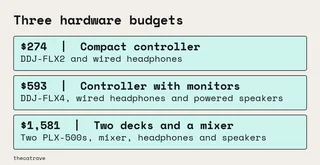
How Much Does a DJ Setup Cost? Six Hardware Budgets
Price six DJ setups from a laptop controller to a two-player booth. See what each subtotal includes and which costs to add for your gear.
 Crate digging~5 min read
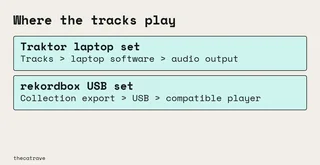
Traktor vs Rekordbox for DJ Controllers and CDJs
Choose between Traktor and rekordbox by USB export, compatible hardware, stems, DVS and licensing. Plan how to move your library if you switch.
 Crate digging~5 min read
CDJ vs DJ Controller: Which Setup Fits?
Compare CDJs, laptop controllers and standalone DJ units by where audio plays, how they connect, and what you need to supply at a venue.
 Crate digging~5 min read
AlphaTheta XDJ-AZ vs OPUS-QUAD
Compare the XDJ-AZ and OPUS-QUAD by layout, USB libraries, zone routing, player expansion and how each works in a booth.